

The control room for your ER:LC private server.
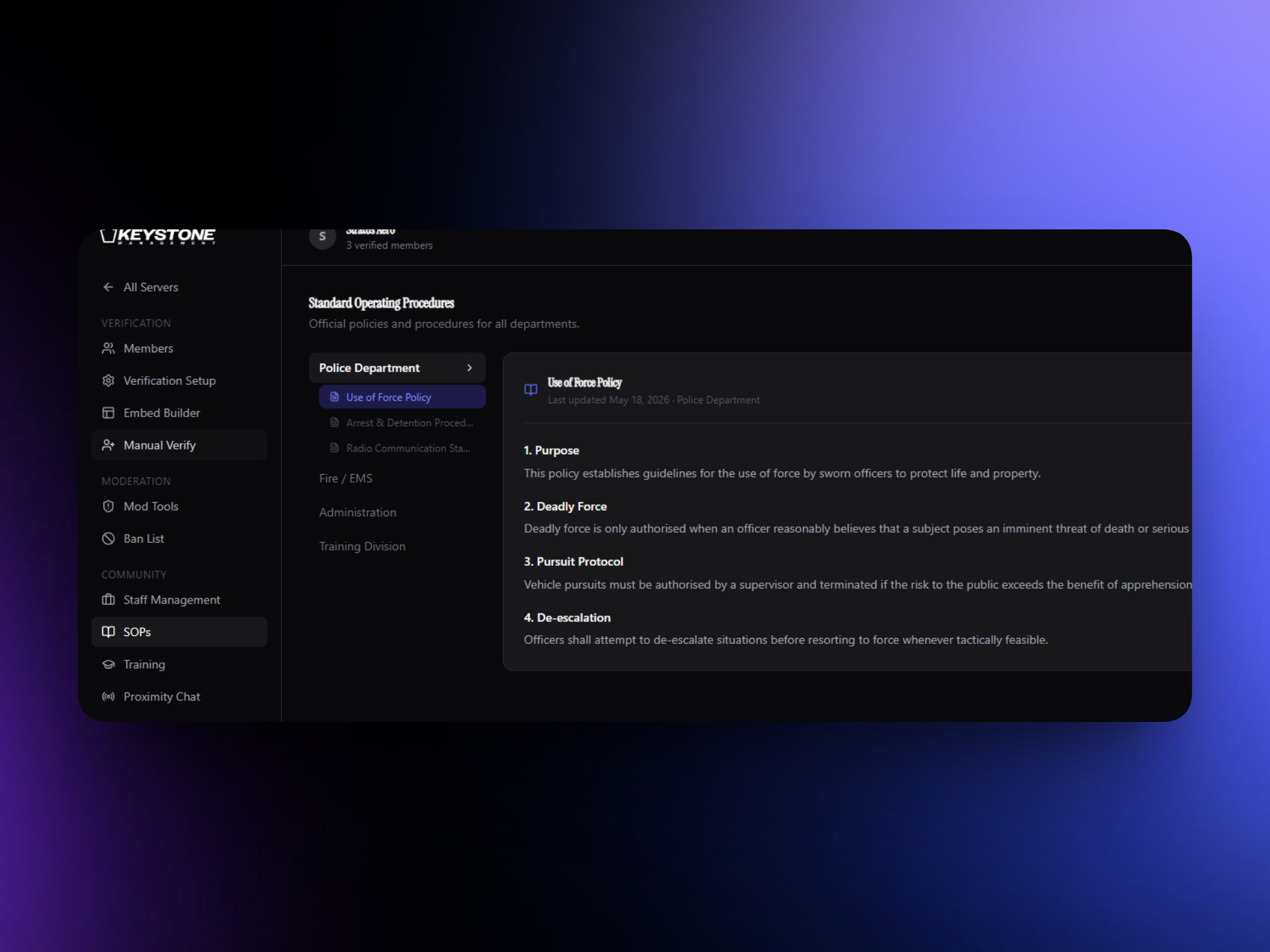
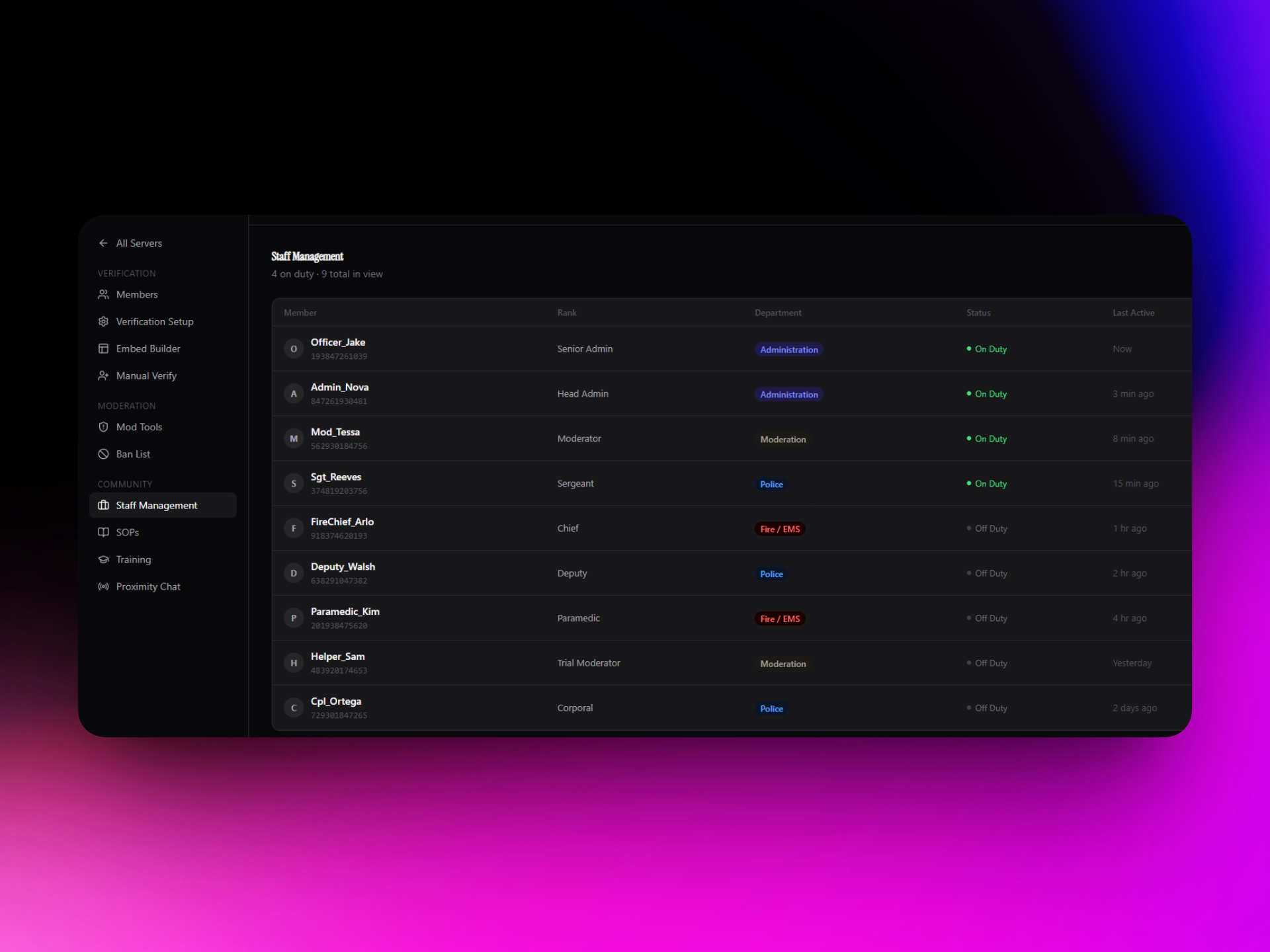
Verification, staff & HR, sessions, tickets, giveaways, and voice channels that follow the game — every tool your ER:LC community runs on, in one dashboard.
Powering
ER:LC teams
Everything in one panel
No spreadsheets. No DMing the bot. No switching between five tools.
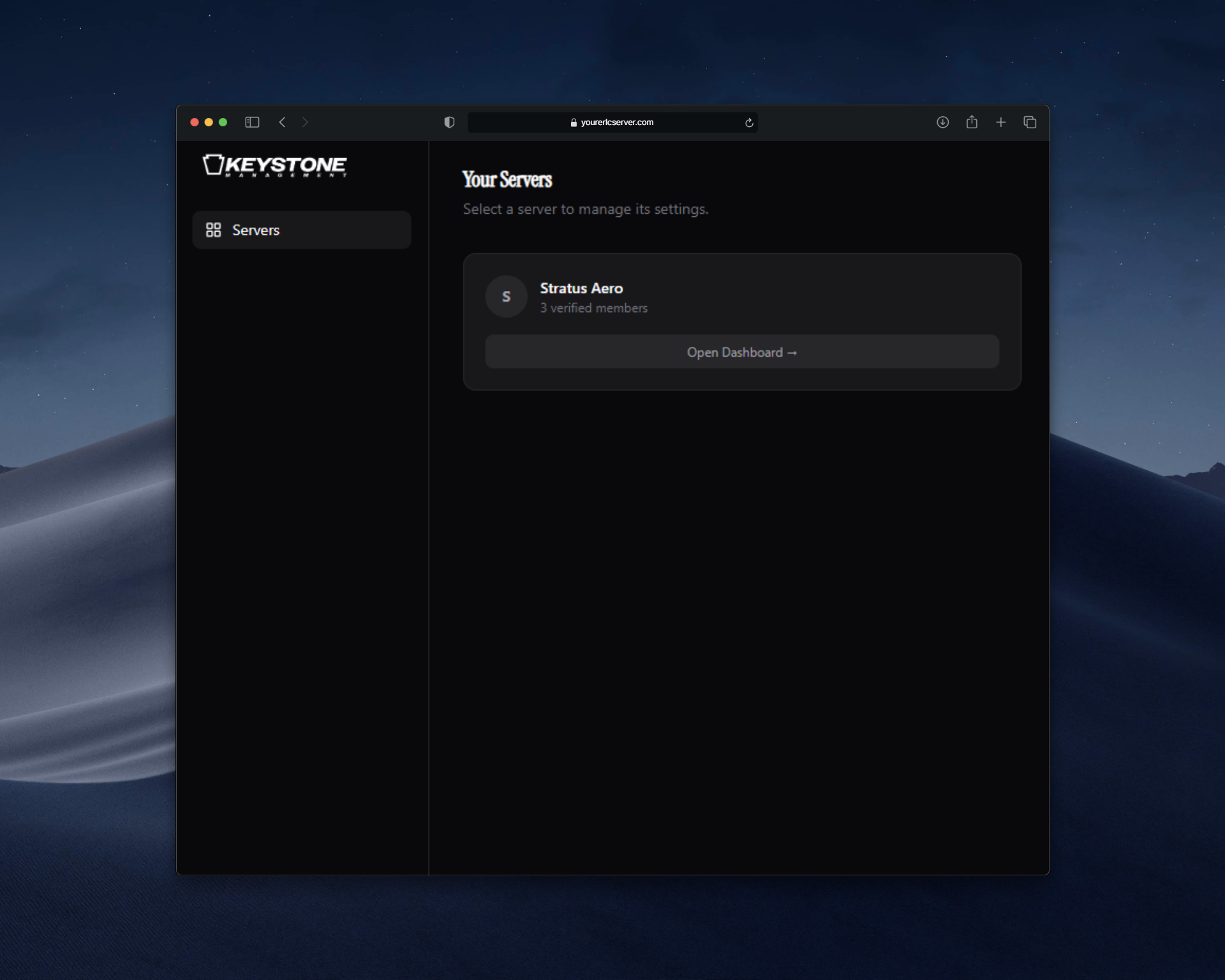
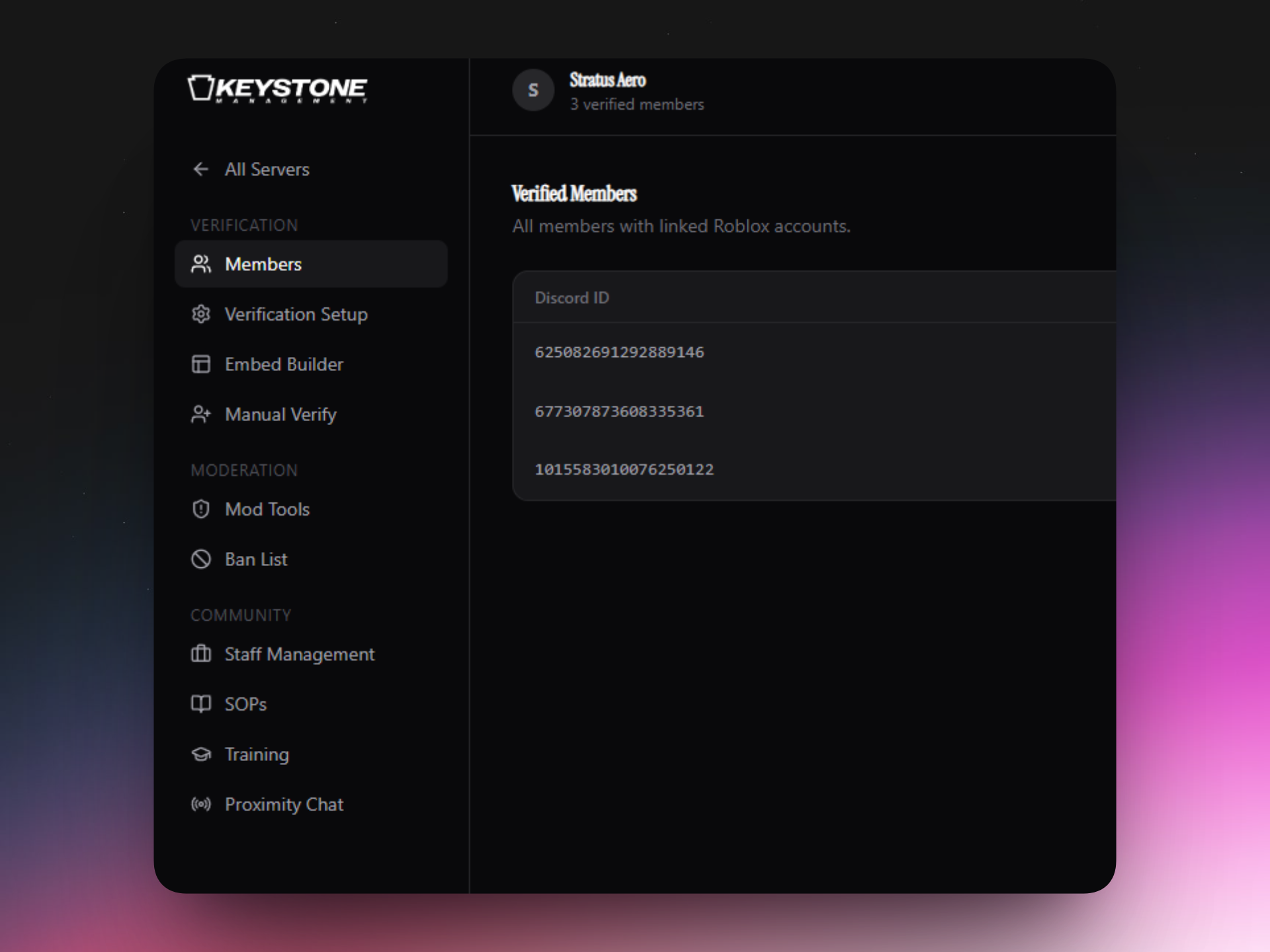
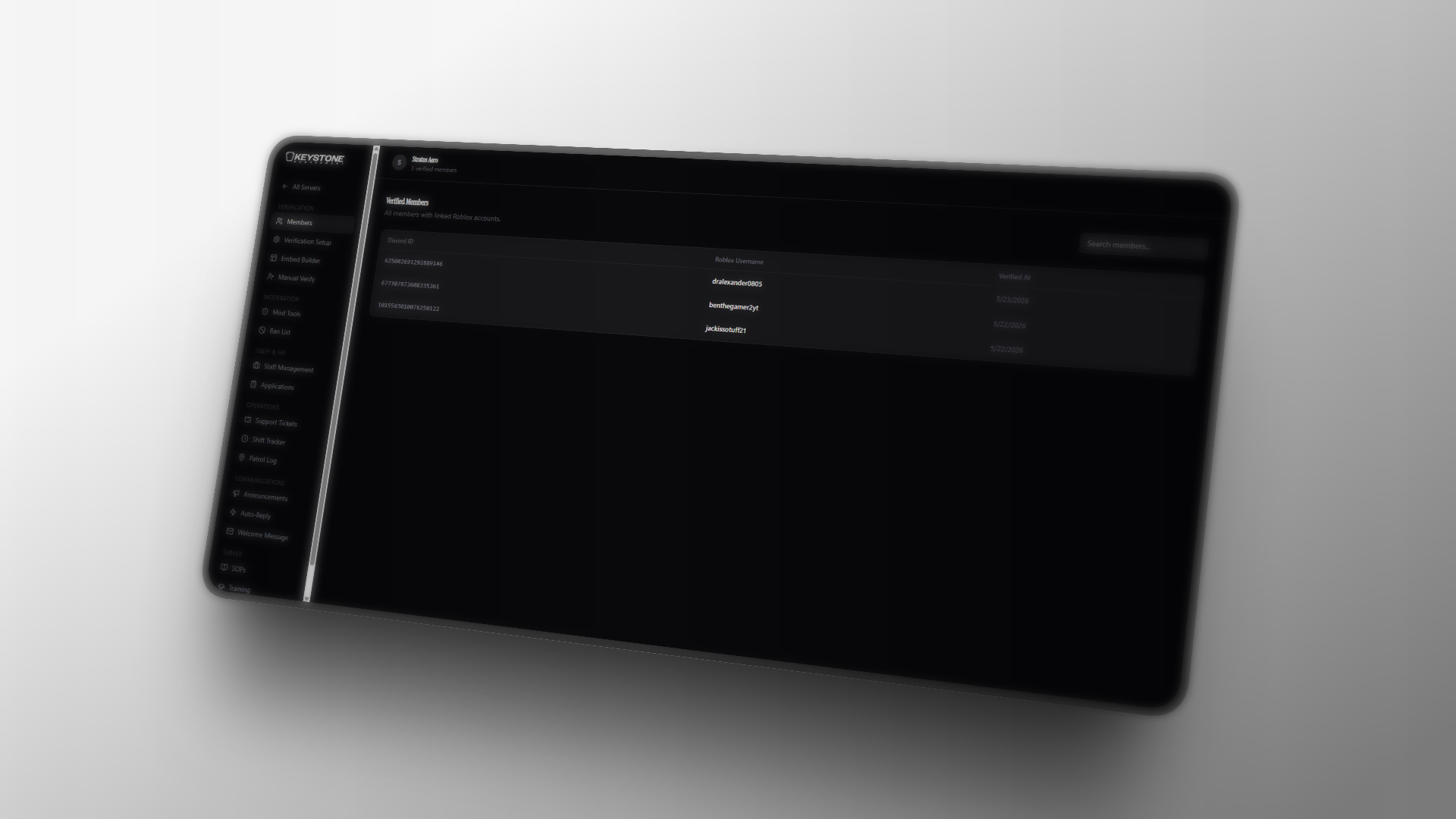
Hover any cell — the video plays on demand
Watch the full walkthrough
See every feature in action — verification, staff tools, embeds and more.
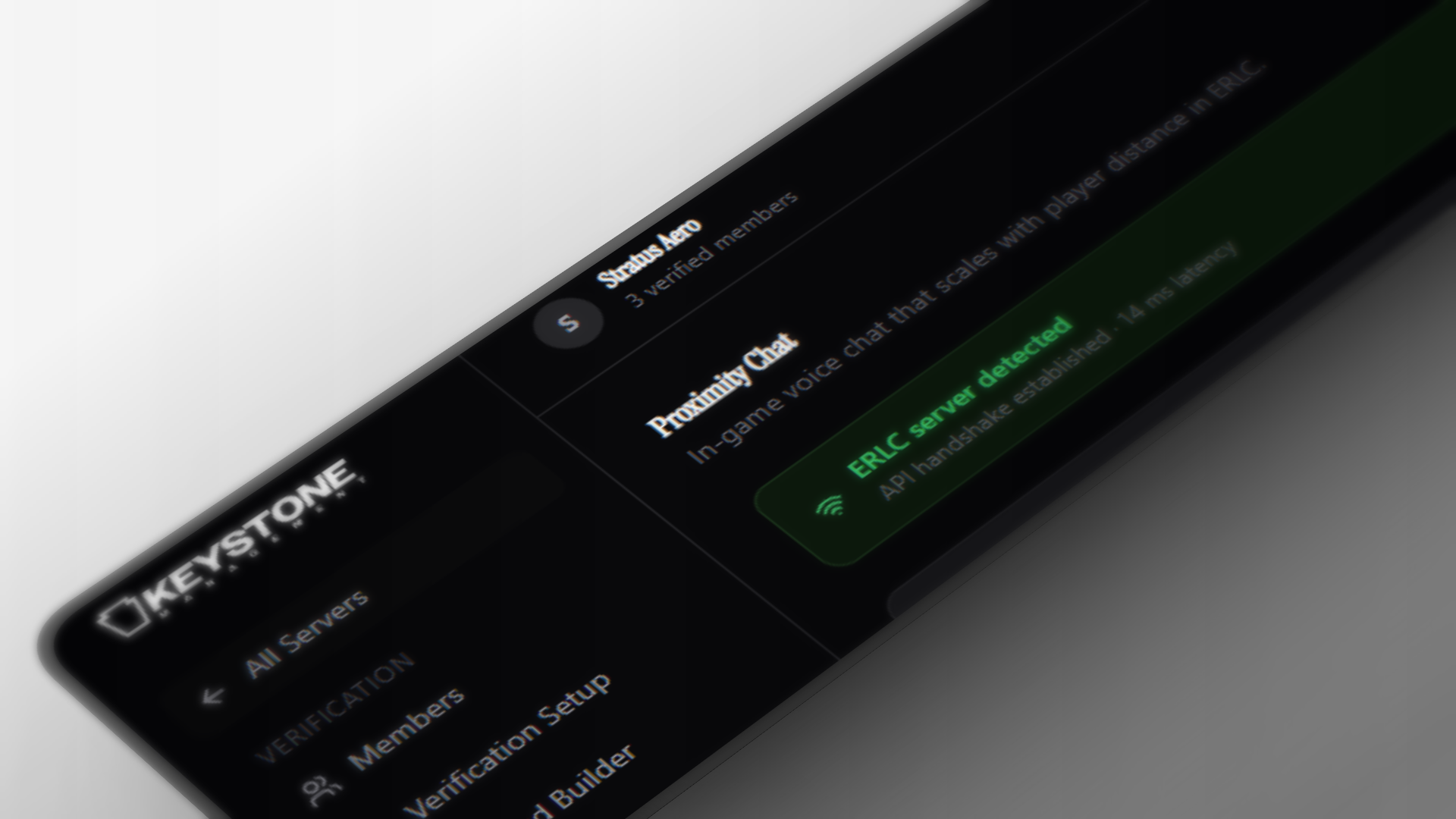
Voice Routing
Voice that mirrors your in-game world, automatically
Draw coordinate zones over your ERLC map and link each one to a Discord voice channel. As players move through the world, Keystone moves them between voice channels to match — no manual dragging, ever.
- Zone-based proximity voice — players follow the in-game map automatically
- ;scene moves everyone within 250 studs into a scene VC
- ;ts opens a traffic-stop VC that auto-attaches anyone who walks up
- Configure zones and VC slots from the dashboard — no redeploys
Verification
Handles the basics too
Members click Verify in Discord, authorise with Roblox OAuth, and return with their role and nickname already updated — no manual steps on your end.
- Discord ↔ Roblox OAuth — no passwords shared
- Role and nickname synced automatically on verify
- Manual override from the panel when needed
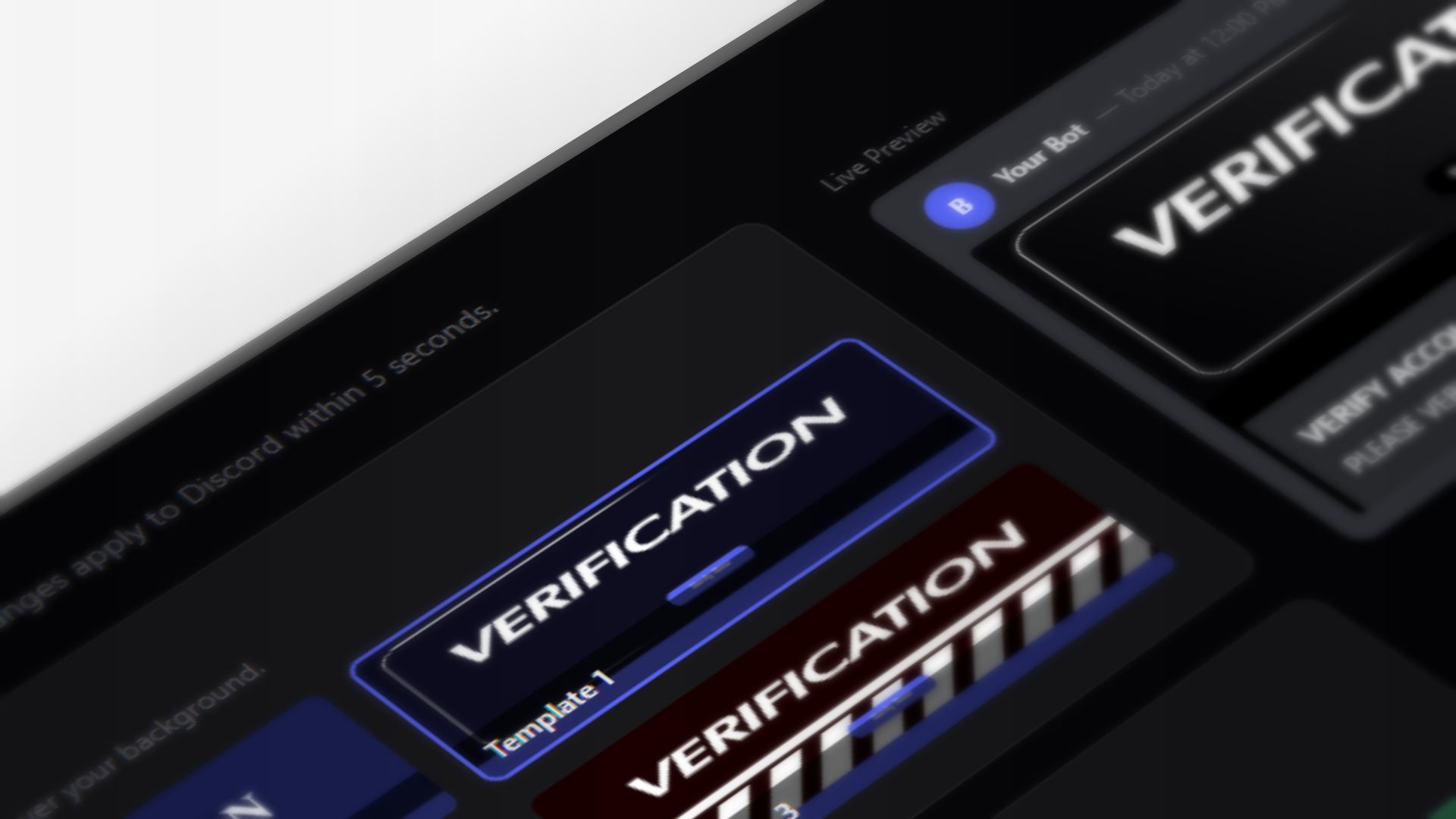
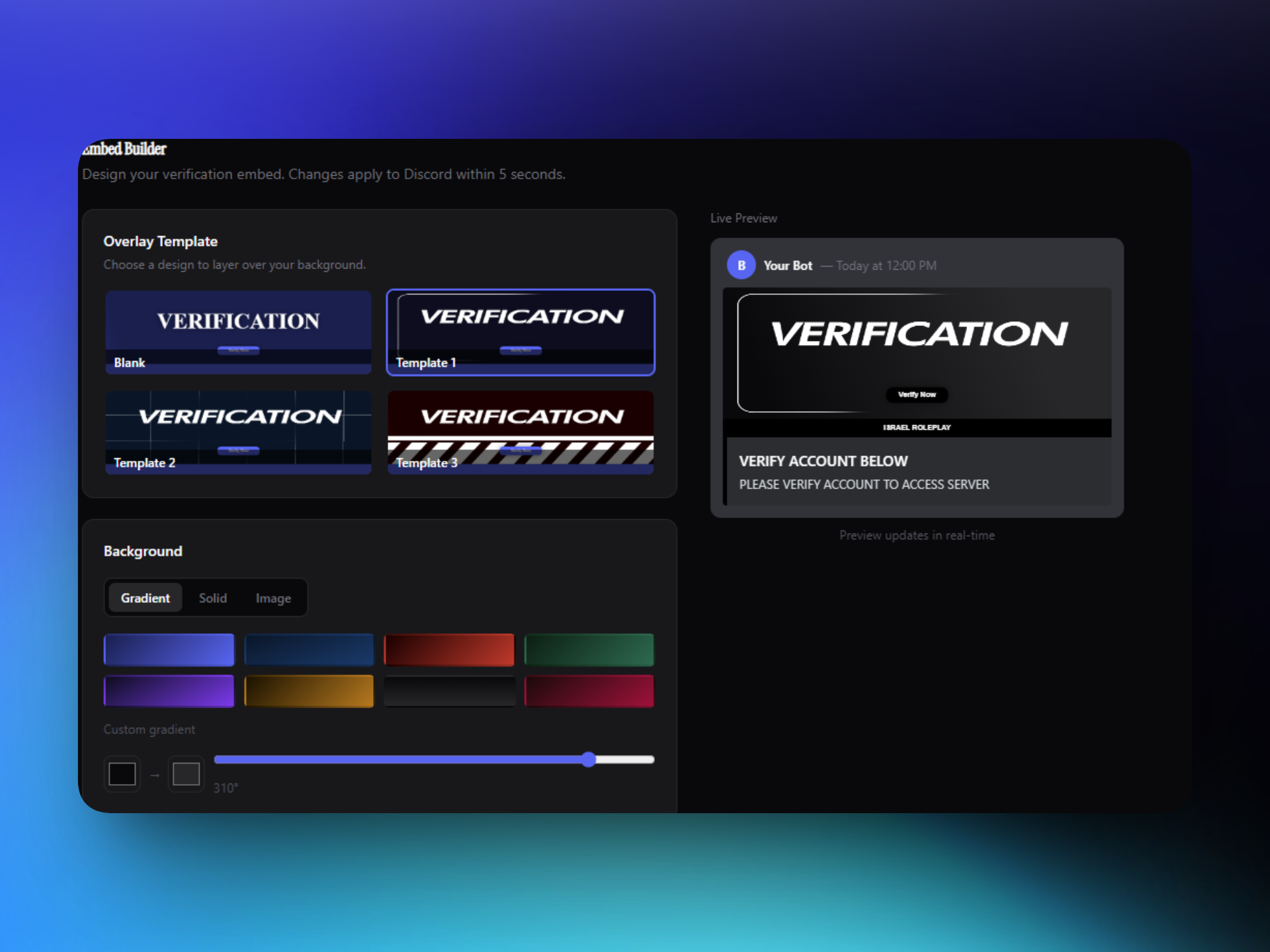
Embed Builder
Build Discord embeds without touching JSON
Design verification embeds, pick banner templates, set colours and thumbnails — all with a live Discord-accurate preview before you push anything.
- Live preview updates as you type
- Banner overlays with colour options
- Push directly to your verification channel
- Changes apply instantly — no bot restart
Setup
Two minutes from invite to live
No config files. No webhooks to wire up manually.
01
Invite the bot
Add Keystone to your Discord. It asks for Manage Roles and Manage Nicknames, plus Move Members if you enable Voice Routing.
02
Sign in here
Log in with Discord. Any server where you're an admin appears automatically in your dashboard.
03
Configure once
Pick your verification channel and role, hit save. Members can verify straight away.
FAQ
Common questions
Get started
We're not open to new servers yet
Join the waitlist with Discord and we'll DM you a confirmation right away — then DM you again the moment you're let in.